


Page 365 - TransAT_Tutorial_Manual
P. 365
TransAT Tutorial Manual                                                   9.1. Water suction


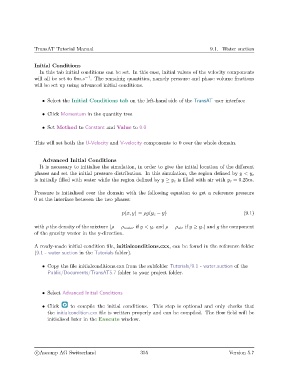
               Initial Conditions
                  In this tab initial conditions can be set. In this case, initial values of the velocity components
               will all be set to 0m.s −1 . The remainig quantities, namely pressure and phase volume fractions
               will be set up using advanced initial conditions.


                   • Select the Initial Conditions tab on the left-hand side of the TransAT user interface

                   • Click Momentum in the quantity tree


                   • Set Method to Constant and Value to 0.0


               This will set both the U-Velocity and V-velocity components to 0 over the whole domain.


                   Advanced Initial Conditions
                  It is necessary to initialise the simulation, in order to give the initial location of the different
               phases and set the initial pressure distribution. In this simulation, the region defined by y < y c
               is initially filled with water while the region defined by y ≥ y c is filled with air with y c = 0.25m.


               Pressure is initialised over the domain with the following equation to get a reference pressure
               0 at the interface between the two phases:


                                                    p(x, y) = ρg(y c − y)                              (9.1)

               with ρ the density of the mixture (ρ = ρ water if y < y c and ρ = ρ air if y ≥ y c ) and g the component
               of the gravity vector in the y-direction.


               A ready-made initial condition file, initialconditions.cxx, can be found in the reference folder
               (9.1 - water suction in the Tutorials folder).


                   • Copy the file initialconditions.cxx from the subfolder Tutorials/9.1 - water suction of the
                     Public/Documents/TransAT5.7 folder to your project folder.


                   • Select Advanced Initial Conditions

                   • Click    to compile the initial conditions. This step is optional and only checks that
                     the initialcondition.cxx file is written properly and can be compiled. The flow field will be
                     initialised later in the Execute window.


                c
Ascomp AG Switzerland                    355                                  Version 5.7

