


Page 41 - TransAT_Tutorial_Manual
P. 41
TransAT Tutorial Manual                                   1.3. Flow over a Cylinder (Re=20)


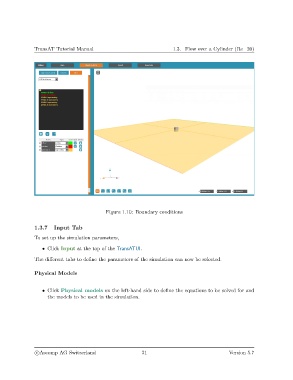
                                             Figure 1.10: Boundary conditions


               1.3.7    Input Tab
               To set up the simulation parameters,

                   • Click Input at the top of the TransATUI.

               The different tabs to define the parameters of the simulation can now be selected.


               Physical Models


                   • Click Physical models on the left-hand side to define the equations to be solved for and
                     the models to be used in the simulation.


                c
Ascomp AG Switzerland                    31                                   Version 5.7

