


Page 42 - TransAT_Tutorial_Manual
P. 42
TransAT Tutorial Manual                                   1.3. Flow over a Cylinder (Re=20)


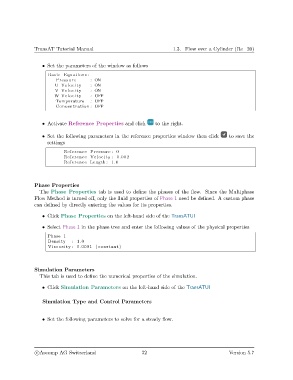
                   • Set the parameters of the window as follows
                     Basic Equations :
                        Pressure       : ON
                        U Velocity     : ON
                        V Velocity     : ON
                        W Velocity     : OFF
                        Temperature    : OFF
                        Concentration : OFF


                   • Activate Reference Properties and click      to the right.

                   • Set the following parameters in the reference properties window then click  to save the
                     settings
                            Reference Pressure : 0
                            Reference Velocity : 0.002
                            Reference Length : 1.0


               Phase Properties
                  The Phase Properties tab is used to define the phases of the flow. Since the Multiphase
               Flow Method is turned off, only the fluid properties of Phase 1 need be defined. A custom phase
               can defined by directly entering the values for its properties.

                   • Click Phase Properties on the left-hand side of the TransATUI

                   • Select Phase 1 in the phase tree and enter the following values of the physical properties
                     Phase 1
                     Density   : 1.0
                     Viscosity : 0.0001 ( constant )


               Simulation Parameters
                  This tab is used to define the numerical properties of the simulation.

                   • Click Simulation Parameters on the left-hand side of the TransATUI


                   Simulation Type and Control Parameters


                   • Set the following parameters to solve for a steady flow.


                c
Ascomp AG Switzerland                    32                                   Version 5.7

