


Page 104 - TransAT_Tutorial_Manual
P. 104
TransAT Tutorial Manual                           3.2. Natural Convection in a Closed Cavity


               3.2     Natural Convection in a Closed Cavity


               3.2.1    Prerequisites

                   • TransAT

                   • TransATUI

                   • Paraview (or Tecplot)


               3.2.2    Introduction

               This TransAT tutorial provides a simple demonstration of the heat transfer that occurs when a
               fluid flows inside a closed cavity which walls are heated. The setup is taken from simulations by
               Theodoridis & Rasoul (2010)


               3.2.3    Launch TransATUI
                   • Double-click the TransAT icon on the Desktop.


               3.2.4    Opening TransAT window

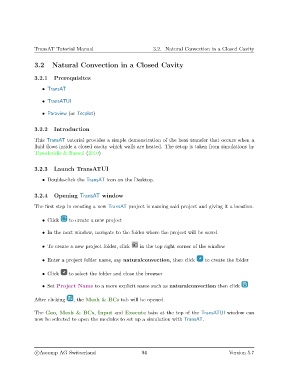
               The first step in creating a new TransAT project is naming said project and giving it a location.


                   • Click    to create a new project

                   • In the next window, navigate to the folder where the project will be saved


                   • To create a new project folder, click  in the top right corner of the window

                   • Enter a project folder name, say naturalconvection, then click    to create the folder


                   • Click    to select the folder and close the browser

                   • Set Project Name to a more explicit name such as naturalconvection then click


               After clicking   , the Mesh & BCs tab will be opened.

               The Geo, Mesh & BCs, Input and Execute tabs at the top of the TransATUI window can
               now be selected to open the modules to set up a simulation with TransAT.


                c
Ascomp AG Switzerland                    94                                   Version 5.7

