


Page 99 - TransAT_Tutorial_Manual
P. 99
TransAT Tutorial Manual               3.1. Forced Convection in a Channel with Heated Walls


               Phase Properties
                  The Phase Properties tab is where the phases of the flow are defined.

                   • Click Phase Properties on the left-hand side of the TransATUI

                   • Select Air in the Material Library drop-down list.

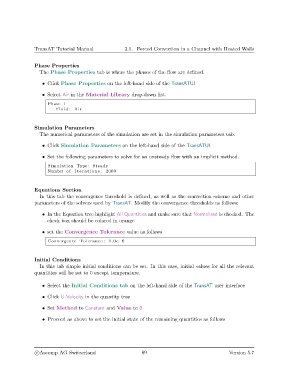
                     Phase 1
                        Fluid : Air


               Simulation Parameters
                  The numerical parameters of the simulation are set in the simulation parameters tab.

                   • Click Simulation Parameters on the left-hand side of the TransATUI

                   • Set the following parameters to solve for an unsteady flow with an implicit method.

                     Simulation Type : Steady
                     Number of I t e r a t i o n s : 2000


               Equations Section
                  In this tab the convergence threshold is defined, as well as the convection scheme and other
               parameters of the solvers used by TransAT. Modify the convergence thresholds as follows:

                   • In the Equation tree highlight All Quantities and make sure that Normalised is checked. The
                     check box should be colored in orange

                   • set the Convergence Tolerance value as follows
                     Convergence Tolerance : 1.0 e−6


               Initial Conditions
                  In this tab simple initial conditions can be set. In this case, initial values for all the relevant
               quantities will be set to 0 except temperature.


                   • Select the Initial Conditions tab on the left-hand side of the TransAT user interface

                   • Click U-Velocity in the quantity tree

                   • Set Method to Constant and Value to 0

                   • Proceed as above to set the initial state of the remaining quantities as follows


                c
Ascomp AG Switzerland                    89                                   Version 5.7

