


Page 96 - TransAT_Tutorial_Manual
P. 96
TransAT Tutorial Manual               3.1. Forced Convection in a Channel with Heated Walls


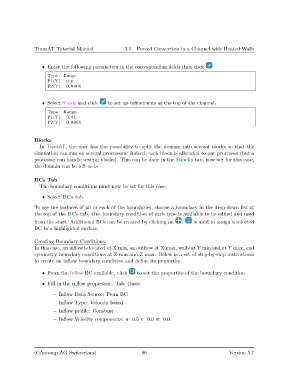
                   • Enter the following parameters in the corresponding fields then click
                     Type : Range
                     P1(Y) : 0.0
                     P2(Y) : 0.0005


                   • Select Y-axis and click  to set up refinements at the top of the channel.

                     Type : Range
                     P1(Y) : 0.01
                     P2(Y) : 0.0095


               Blocks
                  In TransAT, the user has the possibility to split the domain into several blocks so that the
               simulation can run on several processors. Indeed, each block is allocated to one processor (but a
               processor can handle several blocks). This can be done in the Blocks tab, however for this case,
               the domain can be left as is.

               BCs Tab
                  The boundary conditions must now be set for this case.

                   • Select BCs tab.

               To see the surfaces of all or each of the boundaries, choose a boundary in the drop-down list at
               the top of the BCs tab. One boundary condition of each type is available to be edited and used
               from the start. Additional BCs can be created by clicking on  .    is used to assign a selected
               BC to a highlighted surface.

               Creating Boundary Conditions:
               In this case, an inflow is located at X min, an outflow at X max, walls at Y min and at Y max, and
               symmetry boundary conditions at Z min and Z max. Below is a set of step-by-step instructions
               to create an inflow boundary condition and define its properties.

                   • From the Inflow BC available, click   to set the properties of the boundary condition
                   • Fill in the inflow properties - Tab: Basic

                       – Inflow Data Source: From BC
                       – Inflow Type: Velocity based
                       – Inflow profile: Constant

                       – Inflow Velocity components: u: 0.5 v: 0.0 w: 0.0


                c
Ascomp AG Switzerland                    86                                   Version 5.7

