


Page 120 - TransAT_Tutorial_Manual
P. 120
TransAT Tutorial Manual                                  3.3. Turbulent Heat Flux Modelling


                     Name: outflow
                     Type : Outflow
                     Properties :
                       − Outflow Type : Pressure
                       − Outflow Data Source : From Boundary Conditions
                       − Outflow Pressure : 0

                     Name: adiabaticWall
                     Type : Wall
                     Basic :
                       − Temperature / Heat f l u x choice : Heat Flux
                       − Temperature / Heat f l u x value : 0.0

                     Name: heatedWall
                     Type : Wall
                     Basic :
                       − Temperature / Heat f l u x choice : Heat Flux
                       − Temperature / Heat f l u x value : 490

                     Name: symmetry
                     Type : Symmetry


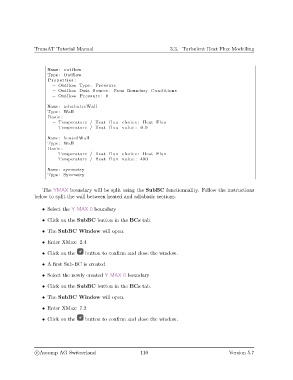
                   The YMAX boundary will be split using the SubBC functionnality. Follow the instructions
               below to split the wall between heated and adiabatic sections.

                   • Select the Y MAX 0 boundary

                   • Click on the SubBC button in the BCs tab.

                   • The SubBC Window will open.
                   • Enter XMax: 2.4

                   • Click on the    button to confirm and close the window.

                   • A first Sub-BC is created

                   • Select the newly created Y MAX 0 boundary

                   • Click on the SubBC button in the BCs tab.

                   • The SubBC Window will open.

                   • Enter XMax: 7.2

                   • Click on the    button to confirm and close the window.


                c
Ascomp AG Switzerland                    110                                  Version 5.7

