


Page 122 - TransAT_Tutorial_Manual
P. 122
TransAT Tutorial Manual                                  3.3. Turbulent Heat Flux Modelling


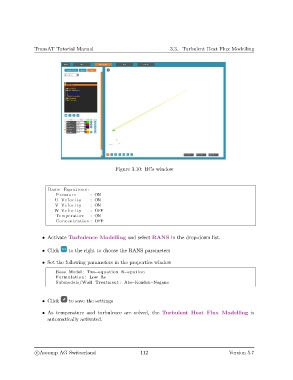
                                                 Figure 3.10: BCs window


                     Basic Equations :
                        Pressure       : ON
                        U Velocity     : ON
                        V Velocity     : ON
                        W Velocity     : OFF
                        Temperature    : ON
                        Concentration : OFF


                   • Activate Turbulence Modelling and select RANS in the drop-down list.


                   • Click    to the right to choose the RANS parameters

                   • Set the following parameters in the properties window
                        Base Model : Two−equation K−e p s i l o n
                        Formulation : Low Re
                        Submodels/Wall Treatment : Abe−Kondoh−Nagano


                   • Click    to save the settings

                   • As temperature and turbulence are solved, the Turbulent Heat Flux Modelling is
                     automatically activated.


                c
Ascomp AG Switzerland                    112                                  Version 5.7

