


Page 126 - TransAT_Tutorial_Manual
P. 126
TransAT Tutorial Manual                                  3.3. Turbulent Heat Flux Modelling


               Output Management
                  The simulation’s outputs are defined in the Output Management tab. In this example, only
               the visualization output will be set.

                   • Select the Output Management tab on the left-hand side

                   • Set the Output File Format and Frequency of output files from Iteration / timestep
                     number as follows

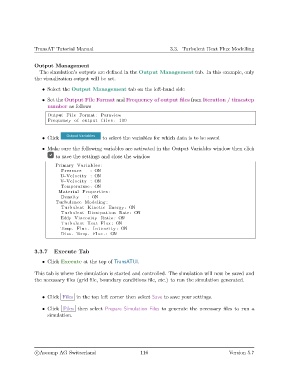
                     Output F i l e Format : Paraview
                     Frequency of output f i l e s : 100


                   • Click                  to select the variables for which data is to be saved

                   • Make sure the following variables are activated in the Output Variables window then click
                        to save the settings and close the window

                        Primary Variables :
                           Pressure    : ON
                          U−Velocity : ON
                          V−Velocity : ON
                           Temperature : ON
                          Material Properties :
                           Density    : ON
                        Turbulence Modeling :
                           Turbulent Kinetic Energy : ON
                           Turbulent Dissipation Rate : ON
                          Eddy Viscosity Ratio : ON
                           Turbulent Heat Flux : ON
                          Temp. Fluc . I n t e n s i t y : ON
                           Diss . Temp. Fluc . : ON


               3.3.7    Execute Tab

                   • Click Execute at the top of TransATUI.

               This tab is where the simulation is started and controlled. The simulation will now be saved and
               the necessary files (grid file, boundary conditions file, etc.) to run the simulation generated.


                   • Click Files in the top left corner then select Save to save your settings.

                   • Click Files then select Prepare Simulation Files to generate the necessary files to run a
                     simulation.


                c
Ascomp AG Switzerland                    116                                  Version 5.7

