


Page 15 - TransAT_Tutorial_Manual
P. 15
TransAT Tutorial Manual                                         1.1. Turbulent Channel Flow


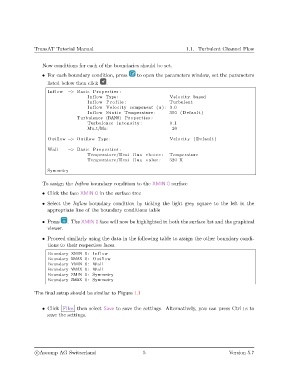
                   Now conditions for each of the boundaries should be set.
                   • For each boundary condition, press   to open the parameters window, set the parameters
                     listed below then click  .
                     Inflow  −> Basic Properties :
                                      Inflow Type :                     Velocity based
                                      Inflow P r o f i l e :            Turbulent
                                      Inflow Velocity component (u ) : 3.0
                                      Inflow S t a t i c Temperature :  300 ( Default )
                                 Turbulence (RANS) Properties :
                                      Turbulence i n t e n s i t y :    0.1
                                      Mu t/Mu:                           20

                     Outflow −> Outflow Type :                          Velocity ( Default )
                     Wall    −> Basic Properties :
                                      Temperature/Heat f l u x choice :  Temperature
                                      Temperature/Heat f l u x value :  320 K

                     Symmetry

                   To assign the Inflow boundary condition to the XMIN 0 surface

                   • Click the face XMIN 0 in the surface tree
                   • Select the Inflow boundary condition by ticking the light grey square to the left in the
                     appropriate line of the boundary conditions table

                   • Press   . The XMIN 0 face will now be highlighted in both the surface list and the graphical
                     viewer.

                   • Proceed similarly using the data in the following table to assign the other boundary condi-
                     tions to their respective faces.

                     Boundary XMIN 0: Inflow
                     Boundary XMAX 0: Outflow
                     Boundary YMIN 0: Wall
                     Boundary YMAX 0: Wall
                     Boundary ZMIN 0: Symmetry
                     Boundary ZMAX 0: Symmetry


               The final setup should be similar to Figure 1.1


                   • Click Files then select Save to save the settings. Alternatively, you can press Ctrl+s to
                     save the settings.


                c
Ascomp AG Switzerland                     5                                   Version 5.7

