


Page 167 - TransAT_Tutorial_Manual
P. 167
TransAT Tutorial Manual                                                    4.4. Film Boiling


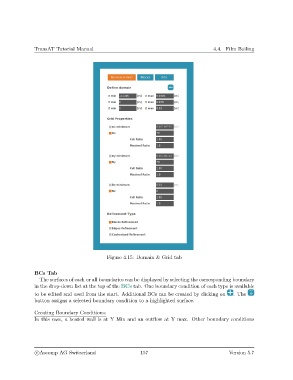
                                              Figure 4.15: Domain & Grid tab


               BCs Tab
                  The surfaces of each or all boundaries can be displayed by selecting the corresponding boundary
               in the drop-down list at the top of the BCs tab. One boundary condition of each type is available
               to be edited and used from the start. Additional BCs can be created by clicking on  . The
               button assigns a selected boundary condition to a highlighted surface.

               Creating Boundary Conditions:
               In this case, a heated wall is at Y Min and an outflow at Y max. Other boundary conditions


                c
Ascomp AG Switzerland                    157                                  Version 5.7

