


Page 227 - TransAT_Tutorial_Manual
P. 227
TransAT Tutorial Manual                                                5.2. particleseparator


               Running TransAT


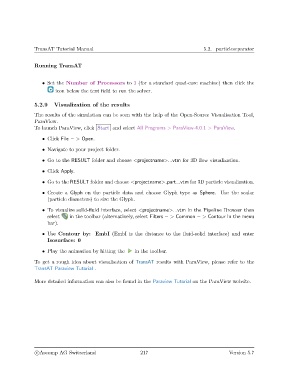
                   • Set the Number of Processors to 3 (for a standard quad-core machine) then click the
                        icon below the text field to run the solver.


               5.2.9    Visualization of the results
               The results of the simulation can be seen with the help of the Open-Source Visualisation Tool,
               ParaView.
               To launch ParaView, click Start and select All Programs > ParaView-4.0.1 > ParaView.

                   • Click File − > Open.
                   • Navigate to your project folder.

                   • Go to the RESULT folder and choose <projectname>...vtm for 3D flow visualization.

                   • Click Apply.

                   • Go to the RESULT folder and choose <projectname> part...vtm for 3D particle visualization.

                   • Create a Glyph on the particle data and choose Glyph type as Sphere. Use the scalar
                     (particle diameters) to size the Glyph.

                   • To visualize solid-fluid interface, select <projectname>...vtm in the Pipeline Browser then
                     select   in the toolbar (alternatively, select Filters − > Common − > Contour in the menu
                     bar).
                   • Use Contour by: EmbI (EmbI is the distance to the fluid-solid interface) and enter
                     Isosurface: 0

                   • Play the animation by hitting the   in the toolbar.

               To get a rough idea about visualisation of TransAT results with ParaView, please refer to the
               TransAT Paraview Tutorial .


               More detailed information can also be found in the Paraview Tutorial on the ParaView website.


                c
Ascomp AG Switzerland                    217                                  Version 5.7

