


Page 240 - TransAT_Tutorial_Manual
P. 240
TransAT Tutorial Manual                                  5.3. Transport of particles in a pipe


               5.3.9    Execute Tab

               This tab is where the simulation is started and controlled.

                   • Click Execute at the top of the TransATUI


               5.3.9.1   Starting the simulation
                   • Change the Number of Processors to 3.


                   • Click    to start the simulation

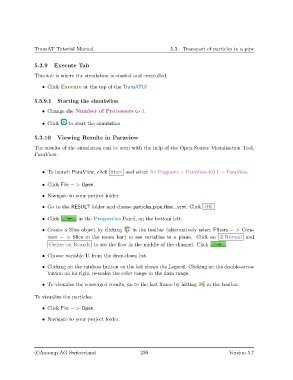
               5.3.10    Viewing Results in Paraview

               The results of the simulation can be seen with the help of the Open-Source Visualisation Tool,
               ParaView.


                   • To launch ParaView, click Start and select All Programs > ParaView-4.0.1 > ParaView.


                   • Click File − > Open.
                   • Navigate to your project folder.

                   • Go to the RESULT folder and choose particles pipe flow...vtm. Click OK

                   • Click        in the Properties Panel, on the bottom left.

                   • Create a Slice object by clicking  in the toolbar (alternatively select Filters − > Com-
                     mon − > Slice in the menu bar) to see variables in a plane. Click on Z Normal and
                      Center on Bounds to see the flow in the middle of the channel. Click      .

                   • Choose variable U from the drop-down list.

                   • Clicking on the rainbow button on the left shows the Legend. Clicking on the double-arrow
                     button on its right re-scales the color range to the data range.

                   • To visualise the converged results, go to the last frame by hitting  in the toolbar.

               To visualize the particles:

                   • Click File − > Open.

                   • Navigate to your project folder.


                c
Ascomp AG Switzerland                    230                                  Version 5.7

