


Page 241 - TransAT_Tutorial_Manual
P. 241
TransAT Tutorial Manual                                  5.3. Transport of particles in a pipe


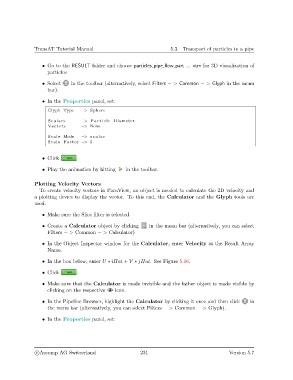
                   • Go to the RESULT folder and choose particles pipe flow part ... vtm for 3D visualization of
                     particles

                   • Select    in the toolbar (alternatively, select Filters − > Common − > Glyph in the menu
                     bar).

                   • In the Properties panel, set:
                     Glyph Type    −> Sphere

                     Scalars       −> P a r t i c l e Diameter
                     Vectors       −> None

                     Scale Mode    −> s c a l a r
                     Scale Factor −> 5


                   • Click

                   • Play the animation by hitting    in the toolbar.

               Plotting Velocity Vectors
                  To create velocity vectors in ParaView, an object is needed to calculate the 2D velocity and
               a plotting device to display the vector. To this end, the Calculator and the Glyph tools are
               used.

                   • Make sure the Slice filter is selected.

                   • Create a Calculator object by clicking    in the menu bar (alternatively, you can select
                     Filters − > Common − > Calculator)

                   • In the Object Inspector window for the Calculator, enter Velocity as the Result Array
                     Name.

                   • In the box below, enter U ∗ iHat + V ∗ jHat. See Figure 5.16.
                   • Click       .

                   • Make sure that the Calculator is made invisible and the father object is made visible by
                     clicking on the respective  icon.

                   • In the Pipeline Browser, highlight the Calculator by clicking it once and then click  in
                     the menu bar (alternatively, you can select Filters − > Common − > Glyph).

                   • In the Properties panel, set:


                c
Ascomp AG Switzerland                    231                                  Version 5.7

