


Page 391 - TransAT_Tutorial_Manual
P. 391
TransAT Tutorial Manual                         9.2. Forced Convection in an Isothermal Pipe


               then the sorted data is grouped and is written alongside a header with the column/variable
               mapping to a file, streamwise output.dat

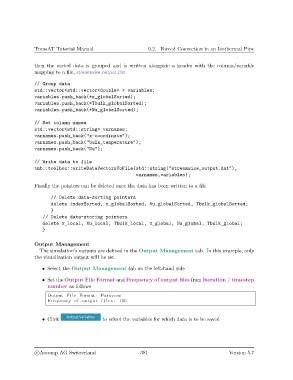
               // Group data
               std::vector<std::vector<double> > variables;
               variables.push_back(*x_globalSorted);
               variables.push_back(*Tbulk_globalSorted);
               variables.push_back(*Nu_globalSorted);


               // Set column names
               std::vector<std::string> varnames;
               varnames.push_back("x-coordinate");
               varnames.push_back("bulk_temperature");
               varnames.push_back("Nu");


               // Write data to file
               tmb::toolbox::writeDataVectorsToFile(std::string("streamwise_output.dat"),
                                                          varnames,variables);

               Finally the pointers can be deleted once the data has been written to a file

                      // Delete data-sorting pointers
                      delete indexSorted, x_globalSorted, Nu_globalSorted, Tbulk_globalSorted;
                      }
                   // Delete data-storing pointers
                   delete x_local, Nu_local, Tbulk_local, x_global, Nu_global, Tbulk_global;
                   }

               Output Management
                  The simulation’s outputs are defined in the Output Management tab. In this example, only
               the visualization output will be set.

                   • Select the Output Management tab on the left-hand side

                   • Set the Output File Format and Frequency of output files from Iteration / timestep
                     number as follows
                     Output F i l e Format : Paraview
                     Frequency of output f i l e s : 100


                   • Click                  to select the variables for which data is to be saved


                c
Ascomp AG Switzerland                    381                                  Version 5.7

