


Page 392 - TransAT_Tutorial_Manual
P. 392
TransAT Tutorial Manual                         9.2. Forced Convection in an Isothermal Pipe


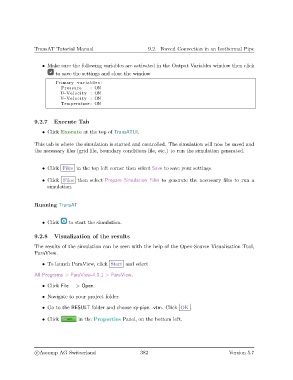
                   • Make sure the following variables are activated in the Output Variables window then click
                        to save the settings and close the window
                        Primary v a r i a b l e s :
                           Pressure    : ON
                          U−Velocity : ON
                          V−Velocity : ON
                           Temperature : ON


               9.2.7    Execute Tab

                   • Click Execute at the top of TransATUI.

               This tab is where the simulation is started and controlled. The simulation will now be saved and
               the necessary files (grid file, boundary conditions file, etc.) to run the simulation generated.


                   • Click Files in the top left corner then select Save to save your settings.

                   • Click Files then select Prepare Simulation Files to generate the necessary files to run a
                     simulation.


               Running TransAT


                   • Click    to start the simulation.


               9.2.8    Visualization of the results

               The results of the simulation can be seen with the help of the Open-Source Visualisation Tool,
               ParaView.

                   • To launch ParaView, click Start and select

               All Programs > ParaView-4.0.1 > ParaView.

                   • Click File − > Open.

                   • Navigate to your project folder.

                   • Go to the RESULT folder and choose xy-pipe...vtm. Click OK .

                   • Click        in the Properties Panel, on the bottom left.


                c
Ascomp AG Switzerland                    382                                  Version 5.7

