


Page 398 - TransAT_Tutorial_Manual
P. 398
TransAT Tutorial Manual                               10.1. Flow past a backward facing step


               10.1.6    Mesh & BCs Tab

               The domain is defined and the mesh is created in the Mesh & BCs tab.

                   • If that is not already the case, select the Mesh & BCs tab at the top of the TransATUI
                     window

               Domain & Grid
                  In this section the domain and the computational grid for the simulation will be defined.

                   • Select the Domain & Grid tab located in the sub-window on the left-hand side.
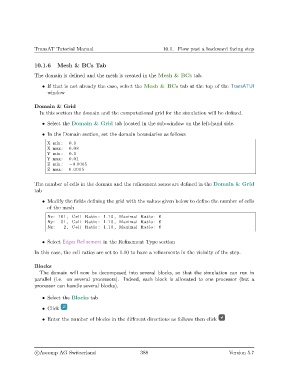
                   • In the Domain section, set the domain boundaries as follows

                     X min :  0.0
                     X max:   0.08
                     Y min :  0.0
                     Y max:   0.01
                     Z min :  −0.0005
                     Z max:   0.0005

               The number of cells in the domain and the refinement zones are defined in the Domain & Grid
               tab

                   • Modify the fields defining the grid with the values given below to define the number of cells
                     of the mesh
                     Nx: 101 , Cell Ratio : 1.10 , Maximal Ratio : 6
                     Ny:   51 , Cell Ratio : 1.10 , Maximal Ratio : 6
                     Nz :   2 , Cell Ratio : 1.10 , Maximal Ratio : 6

                   • Select Edges Refinement in the Refinement Type section

               In this case, the cell ratios are set to 1.10 to have a refinements in the vicinity of the step.


               Blocks
                  The domain will now be decomposed into several blocks, so that the simulation can run in
               parallel (i.e. on several processors). Indeed, each block is allocated to one processor (but a
               processor can handle several blocks).

                   • Select the Blocks tab

                   • Click

                   • Enter the number of blocks in the different directions as follows then click


                c
Ascomp AG Switzerland                    388                                  Version 5.7

