


Page 409 - TransAT_Tutorial_Manual
P. 409
TransAT Tutorial Manual                               10.1. Flow past a backward facing step


               With these settings, an iterative process will be launched from the start of the simulation to
               optimise the solver parameters.


               Contrary to the original simulation, this simulation should end and reach the target residuals
               in less than 2000 iterations due to the parameter correction operated by the SArP module.


               Please note: clicking    stops the optimisation process and restarts the simulation with the
               best solution found by the process at that time i.e. the valid solution with the highest score. This
               can help in reducing the duration of the optimisation process. Other methods that can reduce
               the computation time of the SArP module are described in the Speeding up SArP section of the
               TransAT User Manual.

               10.1.10    Visualization of the results

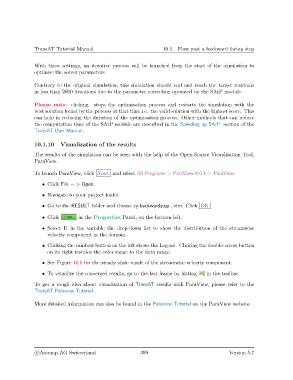
               The results of the simulation can be seen with the help of the Open-Source Visualisation Tool,
               ParaView.


               To launch ParaView, click Start and select All Programs > ParaView-4.0.1 > ParaView.

                   • Click File − > Open.
                   • Navigate to your project folder.

                   • Go to the RESULT folder and choose xy-backwardstep...vtm. Click OK

                   • Click        in the Properties Panel, on the bottom left.

                   • Select U in the variable the drop-down list to show the distribution of the streamwise
                     velocity component in the domain.
                   • Clicking the rainbow button on the left shows the Legend. Clicking the double-arrow button
                     on its right rescales the color range to the data range.

                   • See Figure 10.6 for the steady state result of the streamwise velocity component.

                   • To visualise the converged results, go to the last frame by hitting  in the toolbar.

               To get a rough idea about visualisation of TransAT results with ParaView, please refer to the
               TransAT Paraview Tutorial .


               More detailed information can also be found in the Paraview Tutorial on the ParaView website.


                c
Ascomp AG Switzerland                    399                                  Version 5.7

