


Page 77 - TransAT_Tutorial_Manual
P. 77
TransAT Tutorial Manual                                   2.2. Flow over a group of Buildings


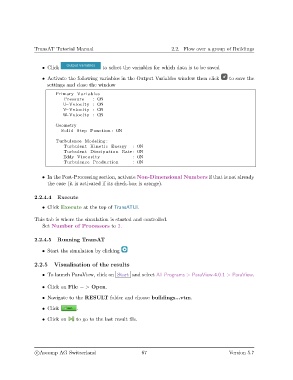
                   • Click                  to select the variables for which data is to be saved

                   • Activate the following variables in the Output Variables window then click  to save the
                     settings and close the window
                        Primary Variables
                            Pressure    : ON
                           U−Velocity : ON
                           V−Velocity : ON
                           W−Velocity : ON
                        Geometry
                           Solid Step Function : ON
                        Turbulence Modeling :
                            Turbulent Kinetic Energy     : ON
                            Turbulent Dissipation Rate : ON
                            Eddy Viscosity               : ON
                            Turbulence Production        : ON


                   • In the Post-Processing section, activate Non-Dimensional Numbers if that is not already
                     the case (it is activated if its check-box is orange).


               2.2.4.4   Execute

                   • Click Execute at the top of TransATUI.

               This tab is where the simulation is started and controlled.
                   Set Number of Processors to 3.


               2.2.4.5   Running TransAT

                   • Start the simulation by clicking

               2.2.5    Visualisation of the results

                   • To launch ParaView, click on Start and select All Programs > ParaView-4.0.1 > ParaView.

                   • Click on File − > Open.

                   • Navigate to the RESULT folder and choose buildings...vtm.

                   • Click       .

                   • Click on    to go to the last result file.


                c
Ascomp AG Switzerland                    67                                   Version 5.7

