


Page 185 - TransAT_Tutorial_Manual
P. 185
TransAT Tutorial Manual                                                        4.5. Spillway


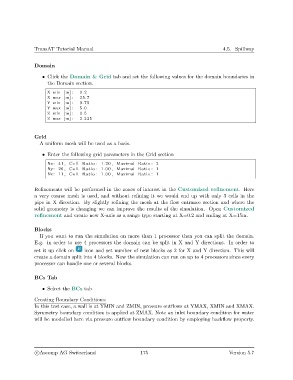
               Domain

                   • Click the Domain & Grid tab and set the following values for the domain boundaries in
                     the Domain section.

                     X min [m] :  0.2
                     X max [m] :  25.7
                     Y min [m] :  0.75
                     Y max [m] :  5.0
                     Z min [m] :  0.5
                     Z max [m] :  2.335


               Grid
                  A uniform mesh will be used as a basis.

                   • Enter the following grid parameters in the Grid section
                     Nx: 41 , Cell Ratio : 1.20 , Maximal Ratio : 2
                     Ny: 26 , Cell Ratio : 1.00 , Maximal Ratio : 1
                     Nz : 11 , Cell Ratio : 1.00 , Maximal Ratio : 1


               Refinements will be performed in the zones of interest in the Customized refinement. Here
               a very coarse mesh is used, and without refining it we would end up with only 3 cells in the
               pipe in X direction. By slightly refining the mesh at the flow entrance section and where the
               solid geometry is changing we can improve the results of the simulation. Open Customized
               refinement and create new X-axis as a range type starting at X=0.2 and ending at X=15m.

               Blocks
                  If you want to run the simulation on more than 1 processor then you can split the domain.
               E.g. in order to use 4 processors the domain can be split in X and Y directions. In order to
               set it up click on   icon and set number of new blocks as 2 for X and Y direction. This will
               create a domain split into 4 blocks. Now the simulation can run on up to 4 processors since every
               processor can handle one or several blocks.


               BCs Tab

                   • Select the BCs tab

               Creating Boundary Conditions:
               In this test case, a wall is at YMIN and ZMIN, pressure outflows at YMAX, XMIN and XMAX.
               Symmetry boundary condition is applied at ZMAX. Note an inlet boundary condition for water
               will be modelled here via pressure outflow boundary condition by employing backflow property.


                c
Ascomp AG Switzerland                    175                                  Version 5.7

