


Page 358 - TransAT_Tutorial_Manual
P. 358
TransAT Tutorial Manual                                                   9.1. Water suction


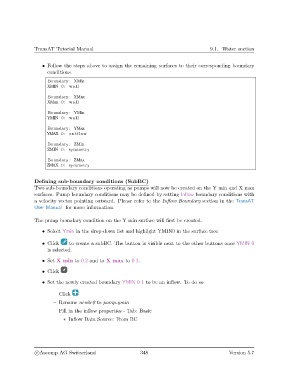
                   • Follow the steps above to assign the remaining surfaces to their corresponding boundary
                     conditions.

                     Boundary : XMin
                     XMIN 0: wall

                     Boundary : XMax
                     XMax 0: wall

                     Boundary : YMin
                     YMIN 0: wall

                     Boundary : YMax
                     YMAX 0: outflow

                     Boundary : ZMin
                     ZMIN 0: symmetry

                     Boundary : ZMax
                     ZMAX 0: symmetry


               Defining sub-boundary conditions (SubBC)
               Two sub-boundary conditions operating as pumps will now be created on the Y min and X max
               surfaces. Pump boundary conditions may be defined by setting Inflow boundary conditions with
               a velocity vector pointing outward. Please refer to the Inflow Boundary section in the TransAT
               User Manual for more information.

               The pump boundary condition on the Y min surface will first be created.

                   • Select Ymin in the drop-down list and highlight YMIN0 in the surface tree

                   • Click    to create a subBC. The button is visible next to the other buttons once YMIN 0
                     is selected.

                   • Set X min to 0.2 and to X max to 0.3.

                   • Click

                   • Set the newly created boundary YMIN 0 1 to be an inflow. To do so

                       – Click
                       – Rename newbc0 to pump ymin
                       – Fill in the inflow properties - Tab: Basic

                            ∗ Inflow Data Source: From BC


                c
Ascomp AG Switzerland                    348                                  Version 5.7

