


Page 357 - TransAT_Tutorial_Manual
P. 357
TransAT Tutorial Manual                                                   9.1. Water suction


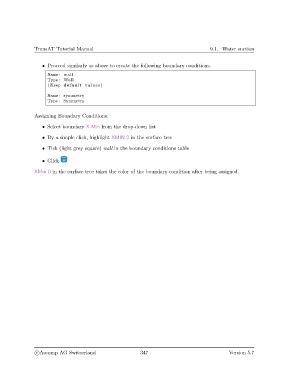
                   • Proceed similarly as above to create the following boundary conditions.
                     Name: wall
                     Type : Wall
                     (Keep default values )
                     Name: symmetry
                     Type : Symmetry


               Assigning Boundary Conditions:
                   • Select boundary X Min from the drop-down list

                   • By a simple click, highlight XMIN 0 in the surface tree

                   • Tick (light grey square) wall in the boundary conditions table

                   • Click

               XMin 0 in the surface tree takes the color of the boundary condition after being assigned.


                c
Ascomp AG Switzerland                    347                                  Version 5.7

