


Page 420 - TransAT_Tutorial_Manual
P. 420
TransAT Tutorial Manual              10.2. Natural Convection in a Square Cavity at Ra = 10 6


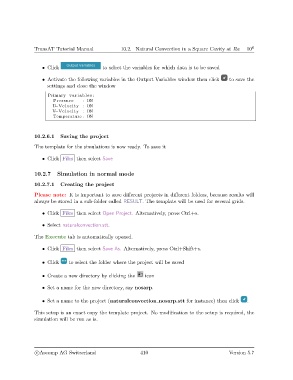
                   • Click                  to select the variables for which data is to be saved

                   • Activate the following variables in the Output Variables window then click  to save the
                     settings and close the window
                     Primary v a r i a b l e s :
                       Pressure     : ON
                       U−Velocity : ON
                       V−Velocity : ON
                       Temperature : ON


               10.2.6.1   Saving the project

               The template for the simulations is now ready. To save it

                   • Click Files then select Save


               10.2.7    Simulation in normal mode

               10.2.7.1   Creating the project
               Please note: It is important to save different projects in different folders, because results will
               always be stored in a sub-folder called RESULT. The template will be used for several grids.

                   • Click Files then select Open Project. Alternatively, press Ctrl+o.

                   • Select naturalconvection.stt.

               The Execute tab is automatically opened.

                   • Click Files then select Save As. Alternatively, press Ctrl+Shift+s.


                   • Click    to select the folder where the project will be saved

                   • Create a new directory by clicking the   icon

                   • Set a name for the new directory, say nosarp.


                   • Set a name to the project (naturalconvection nosarp.stt for instance) then click   .

               This setup is an exact copy the template project. No modification to the setup is required, the
               simulation will be run as is.


                c
Ascomp AG Switzerland                    410                                  Version 5.7

