


Page 83 - TransAT_Tutorial_Manual
P. 83
TransAT Tutorial Manual                                      2.3. Flow in an obstructed pipe


               2.3.7    Mesh & BCs Tab


               The computational domain is defined and the mesh is created in the Mesh & BCs tab.

                   • Select the Mesh & BCs tab at the top of TransATUI if that is not already the case.


               Domain & Grid Tab
                  In this section the domain and the computational grid for the simulation will be defined.

                   • Select the Domain & Grid tab


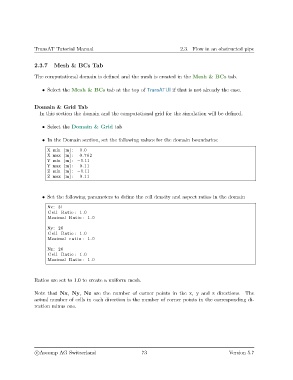
                   • In the Domain section, set the following values for the domain boundaries:

                     X min [m] :  0.0
                     X max [m] :  0.762
                     Y min [m] : −0.11
                     Y max [m] :  0.11
                     Z min [m] : −0.11
                     Z max [m] :  0.11


                   • Set the following parameters to define the cell density and aspect ratios in the domain

                     Nx: 31
                     Cell Ratio : 1.0
                     Maximal Ratio : 1.0

                     Ny: 26
                     Cell Ratio : 1.0
                     Maximal r a t i o : 1.0
                     Nz : 26
                     Cell Ratio : 1.0
                     Maximal Ratio : 1.0


               Ratios are set to 1.0 to create a uniform mesh.


               Note that Nx, Ny, Nz are the number of corner points in the x, y and z directions. The
               actual number of cells in each direction is the number of corner points in the corresponding di-
               rection minus one.


                c
Ascomp AG Switzerland                    73                                   Version 5.7

