


Page 85 - TransAT_Tutorial_Manual
P. 85
TransAT Tutorial Manual                                      2.3. Flow in an obstructed pipe


               Now conditions for each of the boundaries should be set.

                   • For each boundary condition, press   to open the parameters window, set the parameters
                     listed below then click  .
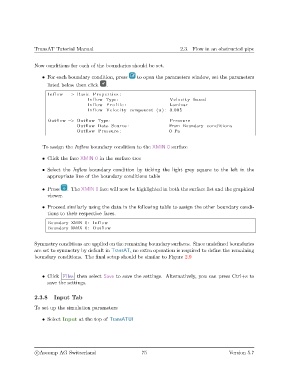
                     Inflow  −> Basic Properties :
                                      Inflow Type :                     Velocity based
                                      Inflow P r o f i l e :            Laminar
                                      Inflow Velocity component (u ) : 0.005

                     Outflow −> Outflow Type :                          Pressure
                                 Outflow Data Source :                  From Boundary conditions
                                 Outflow Pressure :                     0 Pa


                   To assign the Inflow boundary condition to the XMIN 0 surface

                   • Click the face XMIN 0 in the surface tree

                   • Select the Inflow boundary condition by ticking the light grey square to the left in the
                     appropriate line of the boundary conditions table


                   • Press   . The XMIN 0 face will now be highlighted in both the surface list and the graphical
                     viewer.

                   • Proceed similarly using the data in the following table to assign the other boundary condi-
                     tions to their respective faces.

                     Boundary XMIN 0: Inflow
                     Boundary XMAX 0: Outflow


               Symmetry conditions are applied on the remaining boundary surfaces. Since undefined boundaries
               are set to symmetry by default in TransAT, no extra operation is required to define the remaining
               boundary conditions. The final setup should be similar to Figure 2.9


                   • Click Files then select Save to save the settings. Alternatively, you can press Ctrl+s to
                     save the settings.


               2.3.8    Input Tab

               To set up the simulation parameters

                   • Select Input at the top of TransATUI


                c
Ascomp AG Switzerland                    75                                   Version 5.7

