


Page 195 - TransAT_Tutorial_Manual
P. 195
TransAT Tutorial Manual                                                        4.5. Spillway


                     Output F i l e Format : Paraview
                     Frequency of output f i l e s  : 50


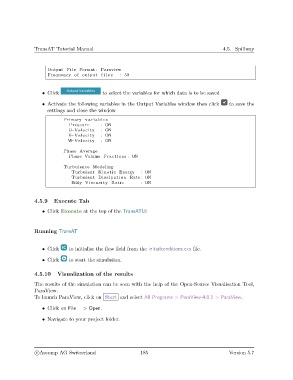
                   • Click                  to select the variables for which data is to be saved

                   • Activate the following variables in the Output Variables window then click  to save the
                     settings and close the window

                            Primary v a r i a b l e s
                              Pressure     : ON
                              U−Velocity   : ON
                              V−Velocity   : ON
                             W−Velocity    : ON

                            Phase Average
                              Phase Volume Fractions : ON

                            Turbulence Modeling
                               Turbulent Kinetic Energy     : ON
                               Turbulent Dissipation Rate : ON
                               Eddy Viscosity Ratio         : ON


               4.5.9    Execute Tab
                   • Click Execute at the top of the TransATUI


               Running TransAT


                   • Click    to initialise the flow field from the initialconditions.cxx file.

                   • Click    to start the simulation.


               4.5.10    Visualization of the results

               The results of the simulation can be seen with the help of the Open-Source Visualisation Tool,
               ParaView.
               To launch ParaView, click on Start and select All Programs > ParaView-4.0.1 > ParaView.

                   • Click on File − > Open.

                   • Navigate to your project folder.


                c
Ascomp AG Switzerland                    185                                  Version 5.7

