


Page 198 - TransAT_Tutorial_Manual
P. 198
TransAT Tutorial Manual                                            5.1. Particles in Crossflow


                   • Click    to create a new project

                   • In the next window, navigate to the folder where the project will be saved

                   • To create a new project folder, click  in the top right corner of the window

                   • Enter a project folder name, say crossflow, then click   to create the folder

                   • Click    to select the folder and close the browser

                   • Set Project Name to a more explicit name such as crossflow then click

               After clicking   , the Mesh & BCs tab will be opened.


               The Geo, Mesh & BCs, Input and Execute tabs at the top of the TransATUI window can
               now be selected to open the modules to set up a simulation with TransAT.

                   • If that is not already the case, select Mesh & BCs at the top of the TransATUI window


               5.1.4    Mesh & BCs Tab

               Domain & Grid Tab
                  In this section the domain and the computational grid for the simulation will be defined.

                   • Select the Domain & Grid tab

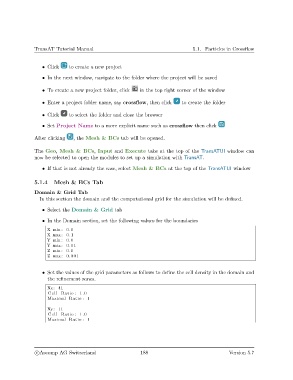
                   • In the Domain section, set the following values for the boundaries
                     X min : 0.0
                     X max: 0.1
                     Y min : 0.0
                     Y max: 0.01
                     Z min : 0.0
                     Z max : 0.001


                   • Set the values of the grid parameters as follows to define the cell density in the domain and
                     the refinement zones.

                     Nx: 41
                     Cell Ratio : 1.0
                     Maximal Ratio : 1

                     Ny: 11
                     Cell Ratio : 1.0
                     Maximal Ratio : 1


                c
Ascomp AG Switzerland                    188                                  Version 5.7

