


Page 215 - TransAT_Tutorial_Manual
P. 215
TransAT Tutorial Manual                                                5.2. particleseparator


                     X Position : 0.233378 [m]
                     Y Position : 1.04152   [m]
                     Z Position : 0.243155 [m]


                   • Click   . This will move the Separator

               In this case the fluid region is enclosed in the geometry that was just loaded. Bearing in mind
               that in TransAT, loaded objects are considered as solids by default, the fluid and solid domain
               need to be inverted. To do so,
                   • Un-check Set CAD as Solid below Object Properties


               5.2.6    Mesh & BCs Tab

               The domain is defined and the mesh is created in the Mesh & BCs tab.

                   • Click Mesh & BCs at the top of the TransATUI


               Domain & Grid
                   • Click Domain & Grid on the left-hand side of the TransATUI

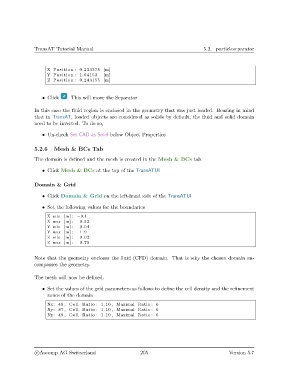
                   • Set the following values for the boundaries

                     X min [m] : −0.1
                     X max [m] :  0.52
                     Y min [m] :  0.04
                     Y max [m] :  1.9
                     Z min [m] :  0.02
                     Z max [m] :  0.75


               Note that the geometry encloses the fluid (CFD) domain. That is why the chosen domain en-
               compasses the geometry.


               The mesh will now be defined.

                   • Set the values of the grid parameters as follows to define the cell density and the refinement
                     zones of the domain

                     Nx: 49 , Cell Ratio : 1.10 , Maximal Ratio : 6
                     Ny: 87 , Cell Ratio : 1.10 , Maximal Ratio : 6
                     Nz : 49 , Cell Ratio : 1.10 , Maximal Ratio : 6


                c
Ascomp AG Switzerland                    205                                  Version 5.7

