


Page 221 - TransAT_Tutorial_Manual
P. 221
TransAT Tutorial Manual                                                5.2. particleseparator


               5.2.7    Input Tab

               To set up the simulation parameters

                   • Click Input at the top of the TransATUI.


               Physical Models
                  In this tab, the models that will be used during the simulation will be defined.

                   • Select the Physical models tab to define the equations to be solved and the models to be
                     used in the simulation.

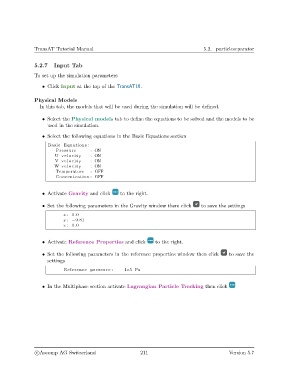
                   • Select the following equations in the Basic Equations section
                     Basic Equations :
                        Pressure       : ON
                        U v e l o c i t y  : ON
                        V v e l o c i t y  : ON
                        W v e l o c i t y  : ON
                        Temperature    : OFF
                        Concentration : OFF


                   • Activate Gravity and click    to the right.

                   • Set the following parameters in the Gravity window them click   to save the settings

                            x : 0.0
                            y : −9.81
                            z : 0.0


                   • Activate Reference Properties and click      to the right.


                   • Set the following parameters in the reference properties window then click  to save the
                     settings

                            Reference pressure :     1e5 Pa


                   • In the Multiphase section activate Lagrangian Particle Tracking then click


                c
Ascomp AG Switzerland                    211                                  Version 5.7

