


Page 256 - TransAT_Tutorial_Manual
P. 256
TransAT Tutorial Manual                                                    6.1. Wall Boiling


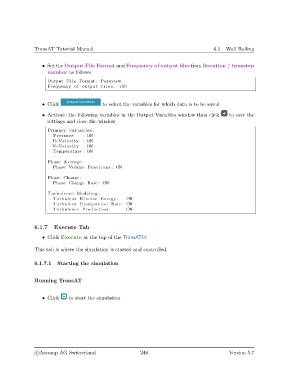
                   • Set the Output File Format and Frequency of output files from Iteration / timestep
                     number as follows

                     Output F i l e Format : Paraview
                     Frequency of output f i l e s : 100


                   • Click                  to select the variables for which data is to be saved
                   • Activate the following variables in the Output Variables window then click  to save the
                     settings and close the window

                     Primary v a r i a b l e s :
                       Pressure     : ON
                       U−Velocity : ON
                       V−Velocity : ON
                       Temperature : ON

                     Phase Average :
                       Phase Volume Fractions : ON

                     Phase Change :
                       Phase Change Rate : ON

                     Turbulence Modeling :
                       Turbulent Kinetic Energy :     ON
                       Turbulent Dissipation Rate : ON
                       Turbulence Production :        ON


               6.1.7    Execute Tab
                   • Click Execute at the top of the TransATUI

               This tab is where the simulation is started and controlled.


               6.1.7.1   Starting the simulation


               Running TransAT


                   • Click    to start the simulation


                c
Ascomp AG Switzerland                    246                                  Version 5.7

