


Page 262 - TransAT_Tutorial_Manual
P. 262
TransAT Tutorial Manual                                                  6.2. countercurrent


                     Inner Radius            : 0.08 [m]
                     Pipe Length             : 2.5   [m]
                     Points on c i r c l e   : 256


                   • Click    to create the geometry geometry to the mesh

                   • Leave [m] as unit of the geometry file pipe.gts


                   • Check Resize Mesh around Geometry, to adjust the domain around the pipe

                   • Click    to create the Pipe and send it to the mesh


               Objects
                  The pipe geometry has already been loaded into the mesh. Now the properties and boundary
               conditions of the solid walls must be set.


                   • Select the Objects tab

                   • In object tree (dark grey area), highlight pipe.gts by simply clicking in the list of loaded
                     objects (dark grey area)

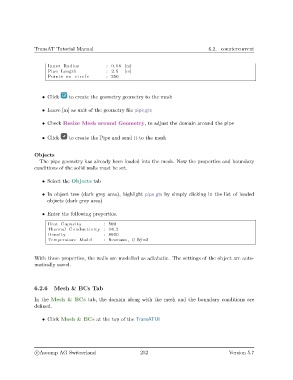
                   • Enter the following properties.

                     Heat Capacity          : 500
                     Thermal Conductivity : 16.2
                     Density                : 8000
                     Temperature Model      : Neumann , 0 W/m2


               With these properties, the walls are modelled as adiabatic. The settings of the object are auto-
               matically saved.


               6.2.6    Mesh & BCs Tab


               In the Mesh & BCs tab, the domain along with the mesh and the boundary conditions are
               defined.


                   • Click Mesh & BCs at the top of the TransATUI


                c
Ascomp AG Switzerland                    252                                  Version 5.7

