


Page 303 - TransAT_Tutorial_Manual
P. 303
TransAT Tutorial Manual                                                    7.2. coupling slug


                     Boundary : YMax
                     YMax 0: symmetry

                   The mesh is now ready.

                   • Click Files in the top left corner of the TransATUI then select Save to save the settings.

               7.2.8    Input Tab

                   • Click Input at the top of the TransATUI to set up the simulation’s parameters


               Physical Models
                  In the Physical Models, the models that will be used to run the simulation are defined.

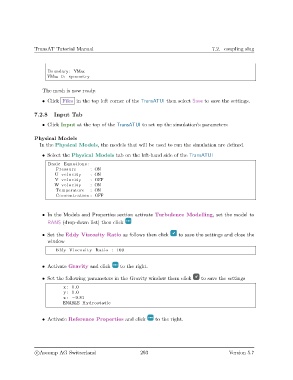
                   • Select the Physical Models tab on the left-hand side of the TransATUI
                     Basic Equations :
                        Pressure       : ON
                        U v e l o c i t y  : ON
                        V v e l o c i t y  : OFF
                        W v e l o c i t y  : ON
                        Temperature    : ON
                        Concentration : OFF


                   • In the Models and Properties section activate Turbulence Modelling, set the model to
                     RANS (drop-down list) then click


                   • Set the Eddy Viscosity Ratio as follows then click     to save the settings and close the
                     window

                        Eddy Viscosity Ratio : 100


                   • Activate Gravity and click    to the right.

                   • Set the following parameters in the Gravity window them click   to save the settings
                            x : 0.0
                            y : 0.0
                            z : −9.81
                           ENABLE Hydrostatic


                   • Activate Reference Properties and click      to the right.


                c
Ascomp AG Switzerland                    293                                  Version 5.7

