


Page 305 - TransAT_Tutorial_Manual
P. 305
TransAT Tutorial Manual                                                    7.2. coupling slug


                     Phase 1
                     Fluid              : Air
                     Density            : 1.205
                     Viscosity          : 1.8208 e−5
                     Conductivity       : 0.0257
                     Heat Capacity      : 1005
                     State of Phase     : gas


                   • Proceed similarly to set the phase properties of Phase 2 and Phase 3 as the following
                     Phase 2
                     Fluid              : Air
                     Density            : 1.205
                     Viscosity          : 1.511 e−5
                     Conductivity       : 0.0257
                     Heat Capacity      : 1005
                     State of Phase     : gas

                     Phase 3
                     Fluid              : Water
                     Density            : 997.78
                     Viscosity          : 0.0009772
                     Conductivity       : 0.60475
                     Heat Capacity      : 4076.4
                     State of Phase     : l i q u i d

               Note that three phases are defined because of the coupling with OLGA. Indeed, OLGA usually
               simulates three-phase simulations with oil, gas and water. Since only air and water are present
               in the system, an additional dummy phase (phase 1) was created.

               Phases Interactions
                  In the Phases Interactions tab, the interphase slip models will be defined between the phases.
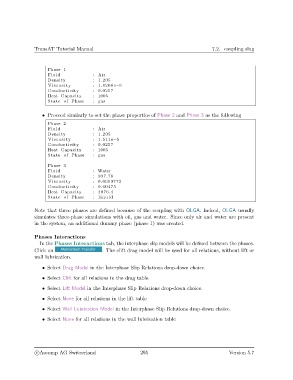
               Click on                     . The clift drag model will be used for all relations, without lift or
               wall lubrication.

                   • Select Drag Model in the Interphase Slip Relations drop-down choice.

                   • Select Clift for all relations in the drag table

                   • Select Lift Model in the Interphase Slip Relations drop-down choice.
                   • Select None for all relations in the lift table

                   • Select Wall Lubrication Model in the Interphase Slip Relations drop-down choice.

                   • Select None for all relations in the wall lubrication table


                c
Ascomp AG Switzerland                    295                                  Version 5.7

