


Page 313 - TransAT_Tutorial_Manual
P. 313
TransAT Tutorial Manual                                                    7.2. coupling slug


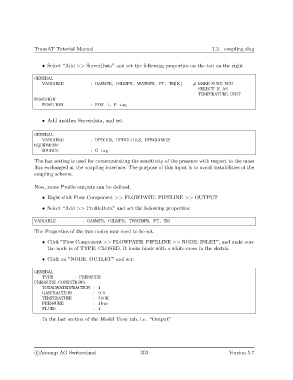
                   • Select “Add >> ServerData” and set the following properties on the tab on the right

               GENERAL
                   VARIABLE            : GASMFR, OILMFR, WATMFR, PT, TM[K]        # MAKE SURE YOU
                                                                                    SELECT K AS
                                                                                    TEMPERATURE UNIT
               POSITION
                   POSITION            : POS−1, P−tag


                   • Add another Serverdata, and set:


               GENERAL
                   VARIABLE            : DPDGGS, DPDGLTHLS, DPDGLTWTS
               EQUIPMENT
                   SOURCE              : G−tag
               The last setting is used for communicating the sensitivity of the pressure with respect to the mass
               flux exchanged at the coupling interface. The purpose of this input is to avoid instabilities of the
               coupling scheme.

               Now, some Profile outputs can be defined.

                   • Right-click Flow Component >> FLOWPATH: PIPELINE >> OUTPUT

                   • Select “Add >> ProfileData” and set the following properties:

               VARIABLE             : GASMFR, OILMFR, TWATMFR, PT, TM

               The Properties of the two nodes now need to be set.
                   • Click ”Flow Component >> FLOWPATH: PIPELINE >> NODE: INLET”, and make sure
                     the node is of TYPE: CLOSED. It looks black with a white cross in the sketch.

                   • Click on ”NODE: OUTLET” and set:

               GENERAL
                   TYPE         : PRESSURE
               PRESSURE CONDITIONS:
                   TOTALWATERFRACTION : 1
                   GASFRACTION          : 0.5
                  TEMPERATURE           : 300K
                   PRESSURE             : 1bar
                   FLUID                : 1

                   In the last section of the Model View tab, i.e. “Output”


                c
Ascomp AG Switzerland                    303                                  Version 5.7

