


Page 326 - TransAT_Tutorial_Manual
P. 326
TransAT Tutorial Manual                                                         7.3. Oilspill


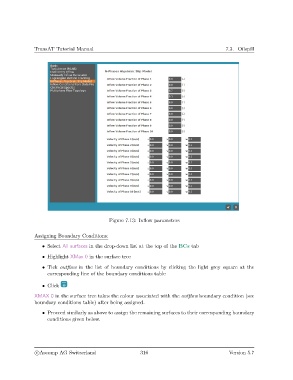
                                               Figure 7.13: Inflow parameters


               Assigning Boundary Conditions:

                   • Select All surfaces in the drop-down list at the top of the BCs tab
                   • Highlight XMax 0 in the surface tree

                   • Tick outflow in the list of boundary conditions by clicking the light grey square at the
                     corresponding line of the boundary conditions table

                   • Click

               XMAX 0 in the surface tree takes the colour associated with the outflow boundary condition (see
               boundary conditions table) after being assigned.

                   • Proceed similarly as above to assign the remaining surfaces to their corresponding boundary
                     conditions given below.


                c
Ascomp AG Switzerland                    316                                  Version 5.7

