


Page 435 - TransAT_Tutorial_Manual
P. 435
TransAT Tutorial Manual                                 10.3. Droplet Impact on a Flat Plate


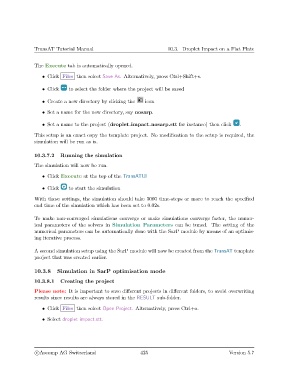
               The Execute tab is automatically opened.
                   • Click Files then select Save As. Alternatively, press Ctrl+Shift+s.


                   • Click    to select the folder where the project will be saved

                   • Create a new directory by clicking the   icon

                   • Set a name for the new directory, say nosarp.

                   • Set a name to the project (droplet impact nosarp.stt for instance) then click   .

               This setup is an exact copy the template project. No modification to the setup is required, the
               simulation will be run as is.


               10.3.7.2   Running the simulation
               The simulation will now be run.

                   • Click Execute at the top of the TransATUI

                   • Click    to start the simulation

               With these settings, the simulation should take 3000 time-steps or more to reach the specified
               end time of the simulation which has been set to 0.02s.

               To make non-converged simulations converge or make simulations converge faster, the numer-
               ical parameters of the solvers in Simulation Parameters can be tuned. The setting of the
               numerical parameters can be automatically done with the SarP module by means of an optimis-
               ing iterative process.

               A second simulation setup using the SarP module will now be created from the TransAT template
               project that was created earlier.


               10.3.8    Simulation in SarP optimisation mode

               10.3.8.1   Creating the project
               Please note: It is important to save different projects in different folders, to avoid overwriting
               results since results are always stored in the RESULT sub-folder.

                   • Click Files then select Open Project. Alternatively, press Ctrl+o.

                   • Select droplet impact.stt.


                c
Ascomp AG Switzerland                    425                                  Version 5.7

